Research Documentation Experts
🧪 How Researchers Can Quickly Record Observations with Photo Notes
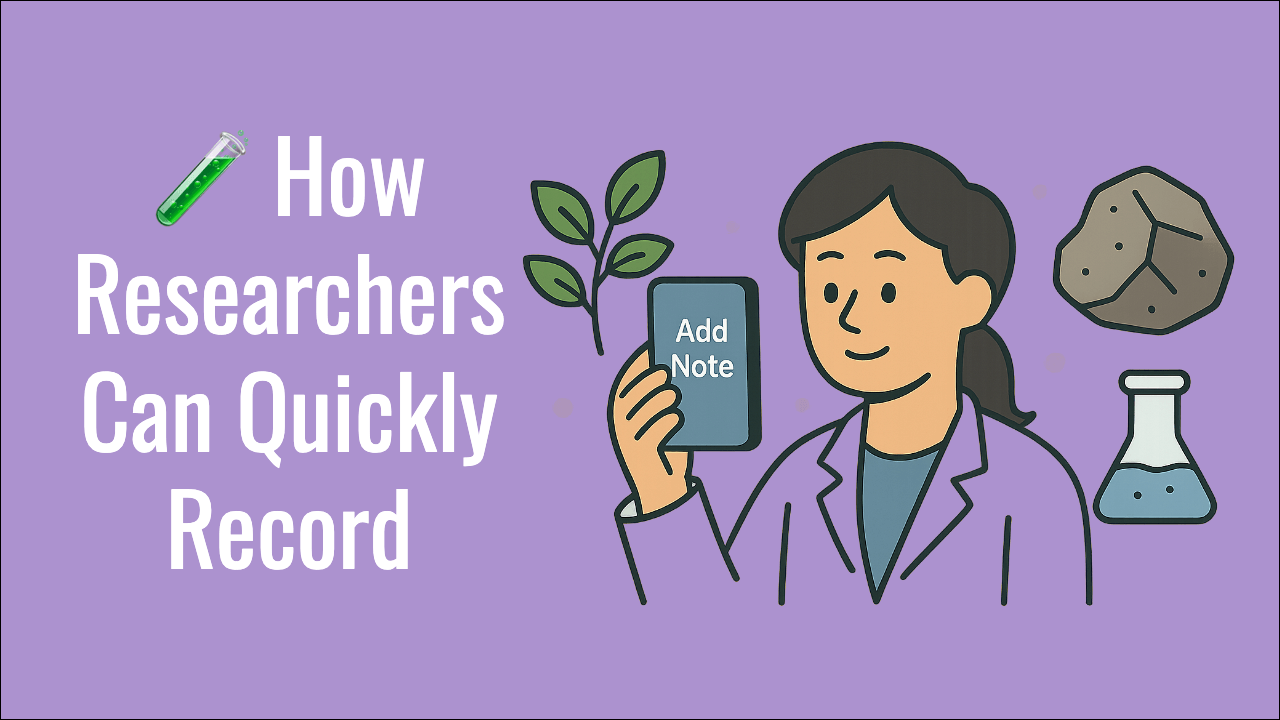
Whether you're documenting plant growth in a greenhouse, recording field data on geological formations, or troubleshooting hardware prototypes, one thing is true for researchers everywhere:
Capturing observations quickly and accurately is crucial — and often far more tedious than it should be.
Traditionally, researchers rely on notebooks, spreadsheets, and countless folders of photos to document their work. But this fragmented workflow wastes time and risks losing vital context.
Let's explore why the typical method falls short — and how photo notes and digital tools like Vionote are transforming how researchers record and manage their observations across a wide range of disciplines.
🛑 The Problem: Photos and Notes Are Disconnected
A typical research documentation workflow looks like this:
- Snap a photo on a camera or phone.
- Write observations in a physical notebook or a notes app.
- Manually link the photo's filename to the notes.
- Try to keep everything organized for future reference.
Imagine repeating this for hundreds of photos across multiple days, samples, or research sites. It's:
- Slow and error-prone.
- Difficult to cross-reference later.
- Nearly impossible to search unless you remember filenames or folder names.
Even modern tools like Notion, Evernote, or Excel require importing images, writing separate text blocks, and manually connecting media to notes.
🌍 Real Scenarios Where Researchers Need Photo Notes
This is not a theoretical problem. Across countless fields, researchers face real challenges:
🌿 Botany and Plant Sciences
- Tracking seed germination over time.
- Capturing images of leaf diseases or growth patterns.
- Linking photos to sample IDs and experimental notes.
🧪 Sample Tracking in Labs
- Recording petri dish results.
- Capturing images of slides or chemical reactions.
- Logging batch numbers and conditions alongside photos.
🪨 Geological Field Studies
- Photographing rock strata or mineral formations.
- Documenting GPS locations and geological observations.
- Keeping context tied to each photo.
🛠 Hardware Development and Engineering
- Capturing defects on circuit boards.
- Documenting prototype iterations.
- Keeping visual records tied to specific issues.
🏗 Construction and Engineering Inspections
- Annotating images of cracks, defects, or construction progress.
- Linking photos to project stages or reports.
These researchers often work under time pressure and in challenging conditions — from field sites to busy labs — where flipping between multiple apps is impractical.
🚀 How Vionote Helps Researchers Capture Observations
Vionote was built specifically for people who need to combine visuals and context quickly and seamlessly.
Instead of juggling separate apps, Vionote lets you:
- Write or dictate text notes before or after capturing a photo or video.
- Overlay those notes directly on the image in a subtle, transparent layer.
- Stay inside one app — no switching, no exporting, no renaming files.
- Automatically tag photos with timestamps, author info, and GPS location.
No more renaming files, copy-pasting IDs, or losing track of which note belongs to which image.
✅ Benefits for Researchers Using Vionote
- Speed: Record visual observations on the spot.
- Accuracy: Keep photos and context permanently connected.
- Searchability: Find any media file by keyword in seconds.
- Collaboration: Share annotated visuals and notes with colleagues.
✨ Ready to Simplify Your Research Workflow?
Vionote empowers researchers to capture photos and context as one unified piece of data.
Stop wasting time managing separate photos and notes — and start focusing on your research.
Built for researchers, by researchers.
— The Vionote Lab